Announcements
Choose a Bible app according to what you want to do. If you want to hear a chapter, the YouVersion if you prefer to read with maps and comments at hand, see the Olive Tree's. To investigate terms and compare reference materials, know the Logos.
All three are available for Android and iPhone and can be installed for free. The difference appears in what you can do after opening the app.

YouVersion is suitable for those who are looking for a simple way to read and listen to the Bible.It offers different translations in Portuguese, reading plans, verse of the day and tools to organize their studies.
- Resources: free reading, audio Bible, daily plans, notes and verse sharing.
- Attention: only some translations can be downloaded for offline reading, and the audio requires internet connection.
- Facilities
- Over 100 million
- Size
- 23 MB
- Platforms
- Android / iOS
- Price
- Free
You will be forwarded to an external website & App information may change. Check the current conditions in the official stores.
Olive Tree is an alternative for those who want to study the Bible in more detail.The application allows you to consult comments, maps and support materials while following the verses.
- Resources: offline reading, Bible commentary, devotions, maps and study tools.
- Attention: some translations, books and supplementary materials need to be purchased separately.
- Facilities
- Over 1 million
- Size
- 72 MB
- Platforms
- Android /iOS
- Price
- Free · Shopping within the app
You will be forwarded to an external website & App information may change. Check the current conditions in the official stores.

Logos provides tools for those who want to better understand the context and meaning of biblical texts.It brings together commentaries, dictionaries, theological materials, and research resources.
- Resources: greek and hebrew word studies, biblical commentaries, surveys and reading plans.
- Attention: advanced features, including artificial intelligence features, may require subscription.
- Facilities
- Over 1 million
- Size
- 129 MB
- Platforms
- Android / iOS
- Price
- Free · Shopping within the app
You will be forwarded to an external website & App information may change. Check the current conditions in the official stores.
How to install and open your first pass
- Check out the space and connection. Connect your phone to the internet and check for storage to install the app.
- Open the store of your device. Use Google Play on Android or the App Store on iPhone and find the app sheet of your choice.
- Start download. Tap Install or Get and open the app when you're done.
- Adjust preferences. Select the language and translation when these options appear, and create an account if necessary.
- Try the feature that motivated the installation. Open a plan, play a chapter, or research a verse you have in mind.
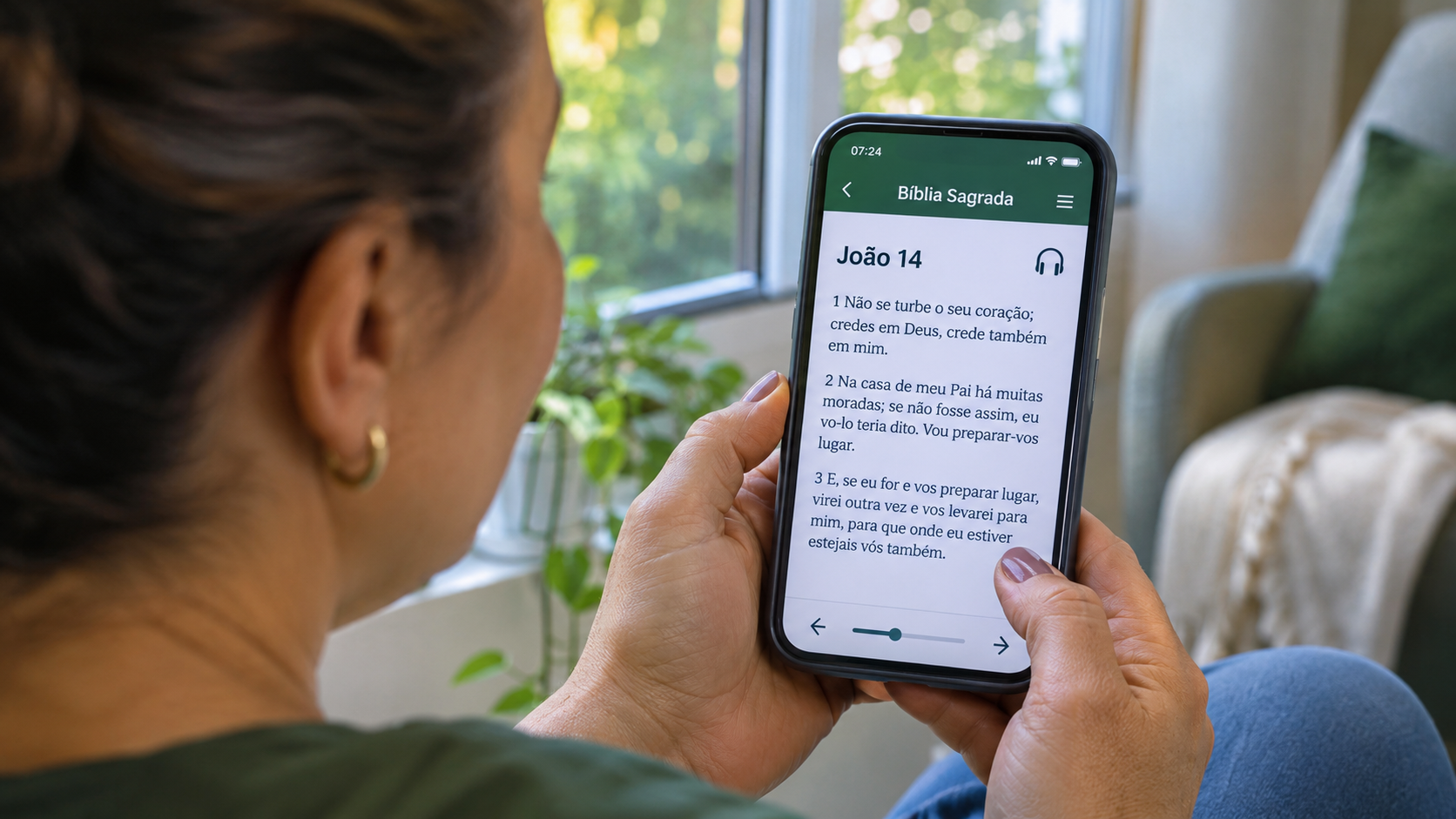
How to know if the application is for your routine?
If you want read on the way, download a translation that allows offline access and try to open a chapter with the connection turned off. If the intention is to hear, test the narration of the version you prefer at a time when you have internet.
For create a habit, choose a plan that you can follow on the most arduous days. Already for study, try consulting a map, a comment or a dictionary from a real question. This first use helps you realize what features you will want to have at hand.
What can get in the way after installation?
- Search for translation only when you are without internet. Choose and download the text in advance to see if it opens offline.
- Purchase a material before testing the reading. In Olive Tree and Logos, explore the available resources and see if the title or tool you are looking for requires payment.
- Begin the search for an isolated verse. Read the excerpts around and see how the sentence fits into the chapter before consulting a comment.
When is it worth comparing translations or consulting other comments?
When a word changes from one edition to another, reread the full sentence in both versions. See if the difference changes the meaning of the passage or just how to express it. If the doubt continues, consult another commentary or a Bible dictionary and compare the explanation with the rest of the chapter.
What Bible app is worth having on your phone?
Think about the first use. To play a chapter or follow a plan, open the plug of the YouVersion. To consult a map while reading, try the Olive Tree's. To search for the meaning of a word in Greek or Hebrew, meet the Logos.