Announcements
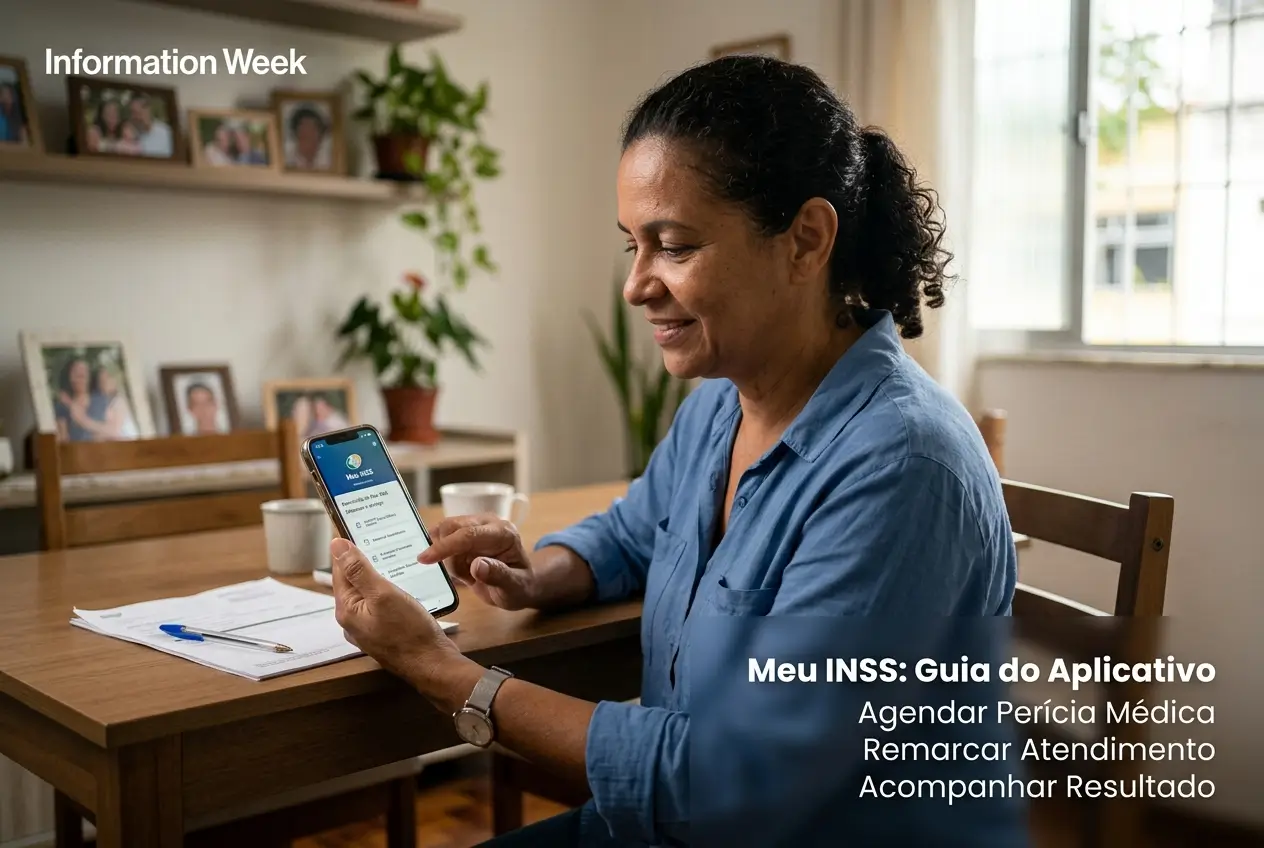
Need to schedule an expertise in INSS and do not know where to start? The application My INSS it's your main tool.
With it, you can mark, reschedule and consult the result of your order without leaving home, using only the mobile phone.
This complete guide will teach you step by step to solve everything quickly, avoiding queues and unnecessary bureaucracy.
What is the expertise of the INSS and why is it fundamental?
Medical expertise is an assessment by a doctor at the National Institute of Social Security (INSS).
The goal is to prove whether a health condition incapacitates you for work, either temporarily or permanently.
It is a mandatory step to get important benefits, such as temporary disability assistance (formerly sickness benefit) or disability retirement.
Without approval in the expertise, access to these rights is blocked. Therefore, scheduling and attending is so important.
Essential documents to schedule your expertise
Before opening the application, separate all documents. Having everything at hand prevents errors and streamlines the process.
Organization is the key to not having the request denied for a silly detail. Leave everything ready for the day of medical evaluation as well.
- Identification document with photo: RG or CNH are the most common.
- CPF: Indispensable for any government service.
- Medical reports and certificates: They must be recent, with the ICD (International Classification of Diseases), signature and stamp of the doctor.
- Exams: Take all tests that prove your condition, such as x-rays, scans, and blood tests.
- Drug prescriptions: Show the treatment you are following.
- Work Accident Communication (WCC): Only if your condition is the result of an accident at work.
Gold tip: Scan or take readable photos of all these documents. You may need to attach them in the app.
Step by step: how to schedule the expertise in My INSS
App scheduling is the fastest way. Follow these steps carefully so you don't make mistakes.
- Access My INSS: Download the application in your store (Android or iOS) or access the site. Log in with your Gov.br account.
- Search service: On the home screen, type in the search bar “Schedule SKILL” or look for the option “Ask for Disability Benefit”.
- Choose the type of skill: Generally, the correct option is “Initial News”. If it is a continuation, choose “Performance Extension”.
- Confirm your data: The system will show your personal data. Check that everything is correct and up to date, especially the phone and email.
- Attach documents: The time has come to send the reports and certificates that you have already separated. Follow the instructions to upload.
- Choose agency: The application will ask your ZIP code to find the nearest INSS agencies. You can choose the one of your preference.
- Select date and time: The system will show you the available days and times. Choose the option that works best for you and confirm.
- Generate the voucher: At the end, a booking voucher will be generated. Save to your mobile or print. It is your guarantee.
Ready! Your expertise is marked. Now just prepare for the day of the evaluation with the expert doctor.
The date was not good? See how to reschedule the service
Unforeseen happen. If you can not attend on the scheduled date, it is essential to reschedule not to be penalized.
Missing without justification can cause your order to be canceled automatically. So do not leave it for the last minute.
The procedure to reschedule is done by the same My INSS application or Central 135.
Inside the app, look for the option “Agendar Expertise” and then search for “Remarcate SKILL”.
You can only reschedule the service once. If you miss the second date, you will have to start a new order from scratch.
Attention: The rebooking must be done in advance.Do not wait for the day of the expertise to come to try to change.
How to track the result of the expertise by the application
Anxiety after the skill is normal. Fortunately, you do not have to wait for a letter to arrive to know the result.
The result is usually released on the same day of the evaluation from 21h, directly in the My INSS application.
To consult, follow these simple steps:
- Login in the application or site My INSS.
- Look for option “Benefit Outcome for INCapacity”.
- The system will list your orders. Click on the most recent application to see the decision.
Status can be “Deferred” (approved) or “Indeferred” (denied). If approved, the document will also inform the duration of the benefit.
Result “Indeferred”: what to do when the benefit is denied?
Receiving an INSS “no” can be frustrating, but it doesn't mean it's the end of the line.
The first step is to understand the reason for the negative, which will be described in the decision communication available in My INSS itself.
With this information, you can go two main ways:
- Administrative resource: You can enter an appeal in the INSS itself. The deadline is 30 Days after the science of the result. The process is done by My INSS, in the option “Resource and” Review.
- Judicial action: If you prefer, you can seek justice.In this case, a new expert, appointed by a judge, will make a new assessment. It is recommended to seek a lawyer specialized in social security law.
You can not follow both paths at the same time.If you enter the appeal, you must wait for the answer and then, if necessary, go to court.
Do not have internet? Other ways to schedule and consult
We know that not everyone has easy access to the internet or familiarity with applications. INSS offers an important alternative.
A Telephone Center 135 it is the official channel for those who prefer to solve by phone. The call is free if made from a landline.
Through the 135, you get:
- Schedule initial expertise.
- Remark an already scheduled service.
- Consult the date and place of your expertise.
- Obtain information about the outcome of your request.
The service works from monday to Saturday, from 7am to 22pm. Have your documents on hand when you call to expedite the service.
Beware of scams: protect your INSS information
Where there is money and information, there are scammers. Stay very careful not to fall into traps that use the name of the INSS.
THE INSS NEVER contact us through WhatsApp or through links in messages to ask for your personal data or passwords.
Be wary of anyone offering” “facilities to schedule your expertise or approve your benefit in exchange for money.
Safety rule: Use only the official channels: the application/site My INSS and Central 135. Never share your password Gov.br with anyone.
If you receive a suspicious contact, block the number and do not click on any link.The security of your data depends on your attention.
Now you have all the information to use My INSS to your advantage. Organize your documents and follow the step by step calmly.
Maybe you might like: