Announcements
Does your My INSS not access at all? This is a very common problem when it comes to checking your social benefit.
The good news is that you have a way to unlock your gov.br account.You can solve this on your phone, without leaving home.
In this practical guide, we will show you step by step how to recover your password. Learn how to validate your data even today.
What prevents you from entering My INSS
To see your retirement or aid, the government uses the gov.br system.
If My INSS does not access, the lock is in this unique account. This happens a lot by forgetting the old password.
Often the system hangs by security measure.It is a way for the government to protect your money against fraudsters.
The lock does not mean that you have lost your benefit, only that the access door has locked.
Beware of scams involving your benefit
Before you try to recover your password, pay close attention. Scammers take advantage of moments of difficulty to steal data.
The INSS never sends a message on WhatsApp asking for data. They do not ask for passwords or photos of documents on the phone.
The official communication happens only in the official application My INSS. If someone calls charging deposit, hang up on time.
Download the application only in the official stores of your device. Do not click on strange links that arrive by text message.
Step by step to start recovery
Let's solve the access problem right now. Grab your mobile and follow these steps very calmly and attentively.
- Open page: go to the official website my.inss.gov.br or open the application.
- Press button: click the blue button that says Log in with gov.br.
- Type document: enter your CPF numbers and press continue.
- Start exchange: search and click on the option I forgot my password.
The system will show you various ways to create a new password.We will explain the easiest and fastest options below.
How to use facial recognition on mobile
The fastest way to unlock your account is by the face photo.The system uses biometrics to confirm your identity.
This works very well if you have the new Driver's License.It also serves for those who have already registered the electoral biometrics.
Choose the facial recognition option on the mobile screen.The app will ask you to look at the front camera.
Do this in a place with plenty of light. Do not wear sunglasses or cap when taking this official photo.
What to do if you no longer have the email or number
Many people change their phone number and lose access. Others forget which email they used in their old registration.
If this happened to you, rest assured, the government system has an outlet to update this lost data.
On the password recovery screen, look for a specific phrase. Click where it says: I do not have access to this email or mobile.
The application will ask you to fill out a quick form. Follow the instructions on the screen to register your new number.
Recovering the password through your bank's application
You can use your bank account to prove who you are. It is a very safe method to unlock the login on the fly.
The government has an agreement with the largest banks in the country. The full list of accepted banks appears in the application itself.
Choose the Internet Banking option when recovering the password. The system will take you to the secure page of your bank.
Enter the password you already use to see your bank balance. Rest assured, the government will not have access to your money.
Common error message in the application
Often the system shows messages that leave the citizen confused. One of the most common is the message of CPF not found.
If this appears, make sure you have entered the numbers correctly. A simple typing error blocks your entry.
Another common warning is about account blocked by over-trying.The system crashes after you miss the password many times.
In this specific case, you need to wait a few hours to try again. It is just a security protection.
Increase the security of your account to Silver or Gold
The gov.br system has three different levels of security.These are: bronze level, Silver level and Gold level.
Silver or Gold level accounts make it much easier to recover passwords. They prove to the system that you are the owner of the CPF.
To level up, just log in through your bank's app. Another way is to use facial recognition.
With the Silver or Gold level, you give your benefit without a headache. It is worth spending five minutes to do this.
How to ask for help by phone 135
The INSS telephone exchange is a fundamental help service.It exists to guide those who do not have ease with the internet.
The number is small and easy to record. Call only to 135, because no other phone number is true.
The call is completely free if it is made from a landline.On the mobile phone, the cost is a normal local call.
When the recording begins, listen to the options very calmly. Choose the option to speak directly with a human attendant.
The government official will ask questions to confirm who you are. Have your documents on hand before calling.
Solving the problem in the INSS agency
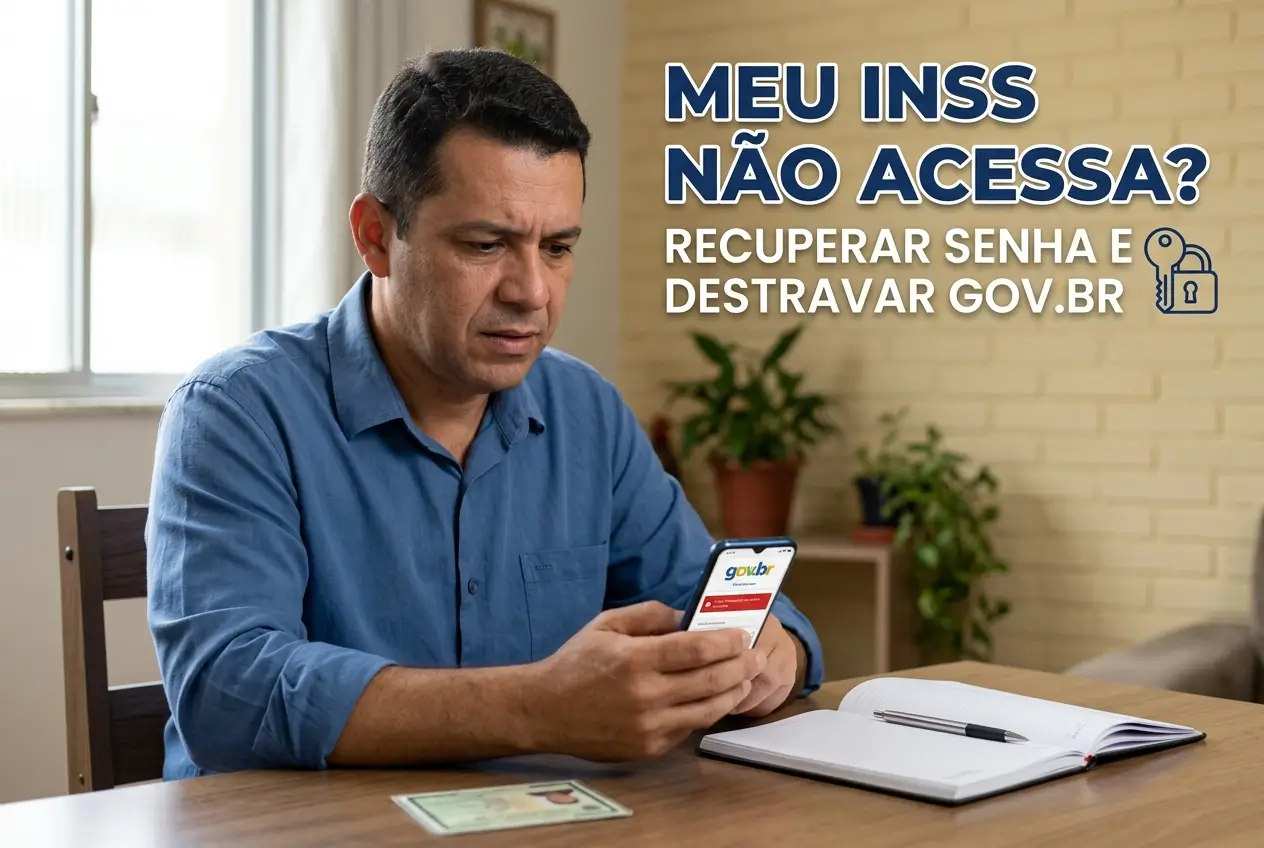
You tried everything on your phone and nothing went right?You have the right to ask government officials for help in person.
Go to an INSS agency and look for the service called gov.br.It is a service focused on solving access problems.
Remember to carry an official identity document with photo.It can be your updated RG or your original Driver's License.
There, a civil servant will check your identity closely.He has special tools to unlock your account on the spot.
Summary of official service channels
It is important to note the correct contacts of the federal government. So you run away from scammers and solve your problem safely.
Below, we have prepared a table with the only true service channels. Keep this information securely.
| Official Channel | Where to find |
|---|---|
| Website on the internet | meu.inss.gov.br |
| Mobile app | My INSS (official store) |
| Help phone | Call 135 |
| Online help | gov.br/chat |
Phone service runs from Monday to Saturday. Staff are available from seven in the morning until ten in the evening.
Next steps to solve today
Do not leave this accumulated problem to solve later. Try to access the site meu.inss.gov.br at this very moment.
If the password fails, choose the facial recognition or internet banking option.These are the easiest and fastest ways available.
If you need to go to the agency tomorrow, separate your original document with photo now. Leave everything ready in your bag or wallet.
Your financial peace of mind depends on having access to your data.Recover your account, create a strong password and secure your rights.
Maybe you might like: