Announcements
The payment of the Bolsa Familia has already begun and it is crucial to know the right date to withdraw your benefit. Caixa Economica Federal has released the official calendar.
In this guide, you will see the full calendar, how to check the amount by mobile and the main reasons that can block your payment.
Keeping your data up to date is the main rule to ensure that money falls into your account without problems.
Family Bag Calendar: check the payment dates
The federal government organizes Bolsa Familia payments based on the last digit of the Social Identification Number (NIS) the family responsible.
This system avoids queues and crowding in the branches of Caixa and lottery houses. Each group receives on a specific working day, always in the last ten days of the month.
To know your day, just look at the final number on your program card. Below, you can see the full table of payments for this month.
| NIS End | Payment Date |
|---|---|
| 1 | 17 |
| 2 | 18 |
| 3 | 19 |
| 4 | 20 |
| 5 | 21 |
| 6 | 24 |
| 7 | 25 |
| 8 | 26 |
| 9 | 27 |
| 0 | 28 |
How to consult Bolsa Familia by the application
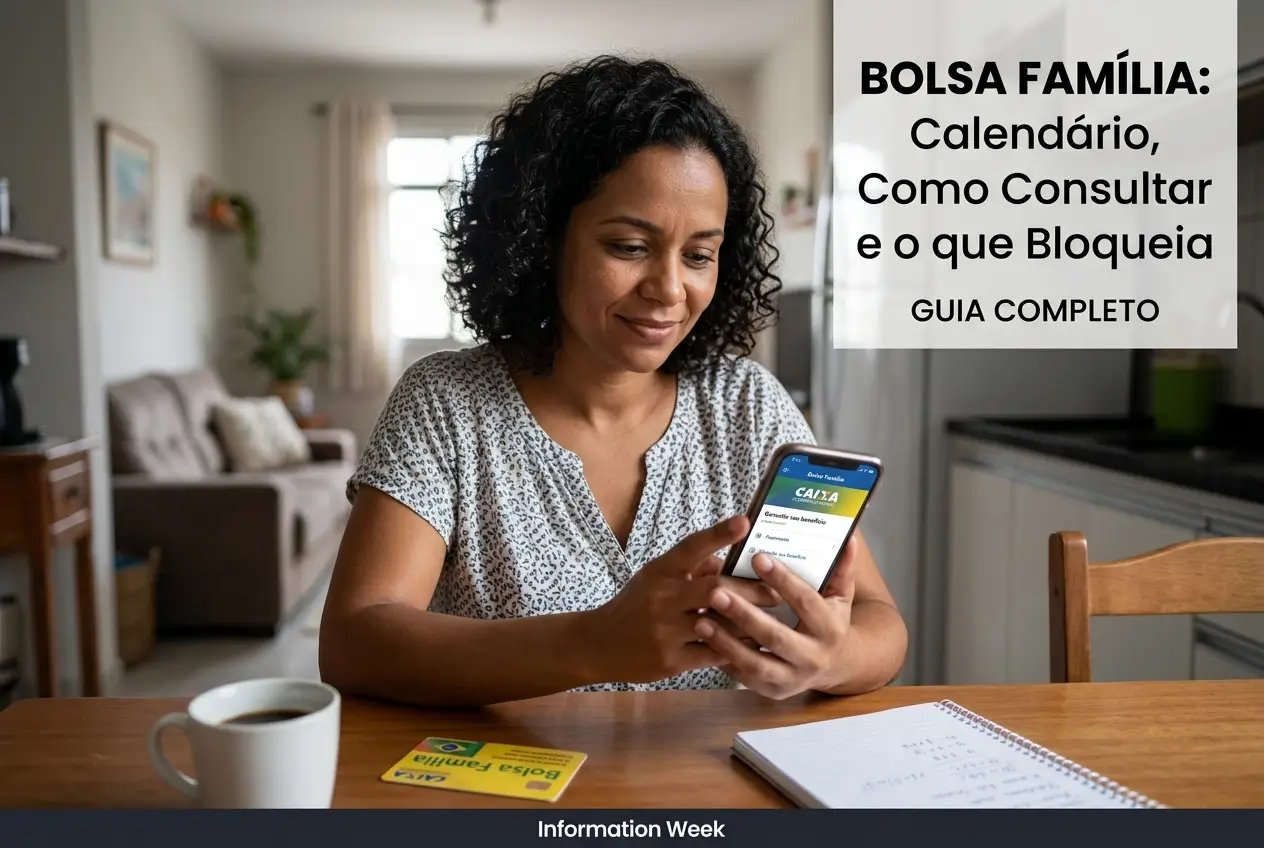
The fastest and safest way to verify your benefit is by using the official government apps on your mobile.
With them, you access the extract, check the amount released and still see if there is any important message about your registration. Download only from the official stores.
- App Bolsa Familia: It is the official application of the program. Log in with your account Gov.br. It shows the calendar and the situation of your benefit.
- App Box Has: This is the application of digital social savings. This is where you move money, pay bills, do PIX and bag without card.
- App Single Registration: Use this app to check if your data is up to date. Wrong information may lead to payment being blocked.
Important tip: Keep apps always up to date on your phone to ensure security and access to all features.
What is NIS and how to find your number
The NIS is your access key to social benefits.It is a unique number, a kind of worker CPF for government programs.
Without it, it is not possible to consult or receive the Bolsa Familia. It is essential to have this number always on hand when seeking information.
If you do not know where to find yours, there are some easy ways to consult this information without complication.
- Family Bag Card: The NIS number is printed on the front of your card.
- Work Portfolio: The PIS number in your wallet is the same as the NIS number.
- App My CadUnico: When accessing with your Gov.br account, you can consult your NIS.
- FGTS extract: The number is also included in your statement from the Guarantee Fund.
Warning: what can block your Bolsa Familia
Many families lose the benefit by simple carelessness.Knowing what causes the blockage is the first step in not taking that risk.
The government conducts monthly checks on registrations to ensure that the money reaches those who really need it. Any inconsistency can generate an alert.
Keep an eye on the main reasons that lead to suspension of payment. Most of them can be avoided with a little organization.
- Unified registration outdated: You need to update your data every two years or whenever there is a change in address, phone number, income or family composition.
- Family income above the limit: The main rule of the program is income.If the income per person in your family exceeds the ceiling, the benefit is cut.
- Lack of school attendance: Children and adolescents from 4 to 17 years old need to have a minimum attendance at school. The government verifies this information with the education secretariats.
- Incomplete health monitoring: Pregnant women need to have prenatal care and children under 7 years must be up to date with vaccination and undergo nutritional monitoring.
- Inconsistent data: Cross-information with other government databases, such as irregular CPF in the IRS, can generate the block for verification.
My benefit has been blocked, now what?
Received a lock message in the app? Calm down, it does not mean that you lost the right forever.In most cases, it is possible to resolve.
The block is a warning for you to look for the responsible sector and regularize your situation. The most important step is to act fast so as not to miss the deadlines.
See what to do to reverse the situation and get your benefit back to normal.
- Identify the reason: The first thing is to know why the benefit was blocked. This information usually appears in the Caixa Tem app or in the Bolsa Familia App.
- Look for CRAS: With the information in hand, go to the Social Assistance Reference Center (CRAS) or the Single Registry sector of your city.
- Take documents: Take all identification documents of all residents of the house, such as CPF and RG, as well as proof of residence and school enrollment of children.
- Update registration: The municipal manager will verify your data and make the necessary update in the Single Registry system.
- Wait for analysis: After regularization, the federal government will make a new analysis. If everything is correct, the payment is reinstated.
Attention: If your benefit is regularized, you can receive the blocked installments retroactively.
Rules of Protection and what changes in your benefit
Did you know that even if you get a signed-in job, you can continue to receive the Family Grant for a while? Protection Rule.
It was created to encourage families to seek new sources of income without the fear of losing the benefit immediately.
If income per person in your family falls between the program limit and half a minimum wage, you are not excluded 50% of the value benefit for up to two years.
This ensures extra security while you stabilize at your new job.If you lose income later, you can apply to return to the program with priority.
Beware of scams: protect your information
Where there is money involved, scammers always appear. Be very careful not to fall into traps and lose your benefit.
Criminals use fake links, WhatsApp messages and calls to try to steal your personal data and passwords.
- Government does not ask for password: Official agencies never call or send a message asking for your password Caixa Tem, Gov.br or any other application.
- Do not click on suspicious links: Do not access links received by SMS or social networks promising to update your registration or release extra values.
- Use only official apps: Download the Bolsa Familia and Caixa app You only have from the official stores (Google Play Store or Apple App Store).
- Update is presential: The update of the Single Registration is done in person at the CRAS or service station of your city.
Official channels to answer questions
If you still have questions or need help, always look for official channels. Avoid seeking information in unofficial groups or with unknown people.
Below are the safe contacts to get correct information about your Family Grant.
- Ministry of Development and Social Assistance: Telephone 121
- Federal Savings Bank: Telephone 111
- App Bolsa Familia and Caixa Has: Available for Android and iOS.
- CRAS: Look for the nearest unit in your city for face-to-face service.
Always check the information in the applications and keep your Single Registry up to date. This is the best way to ensure your benefit without worries.
Maybe you might like: