Announcements
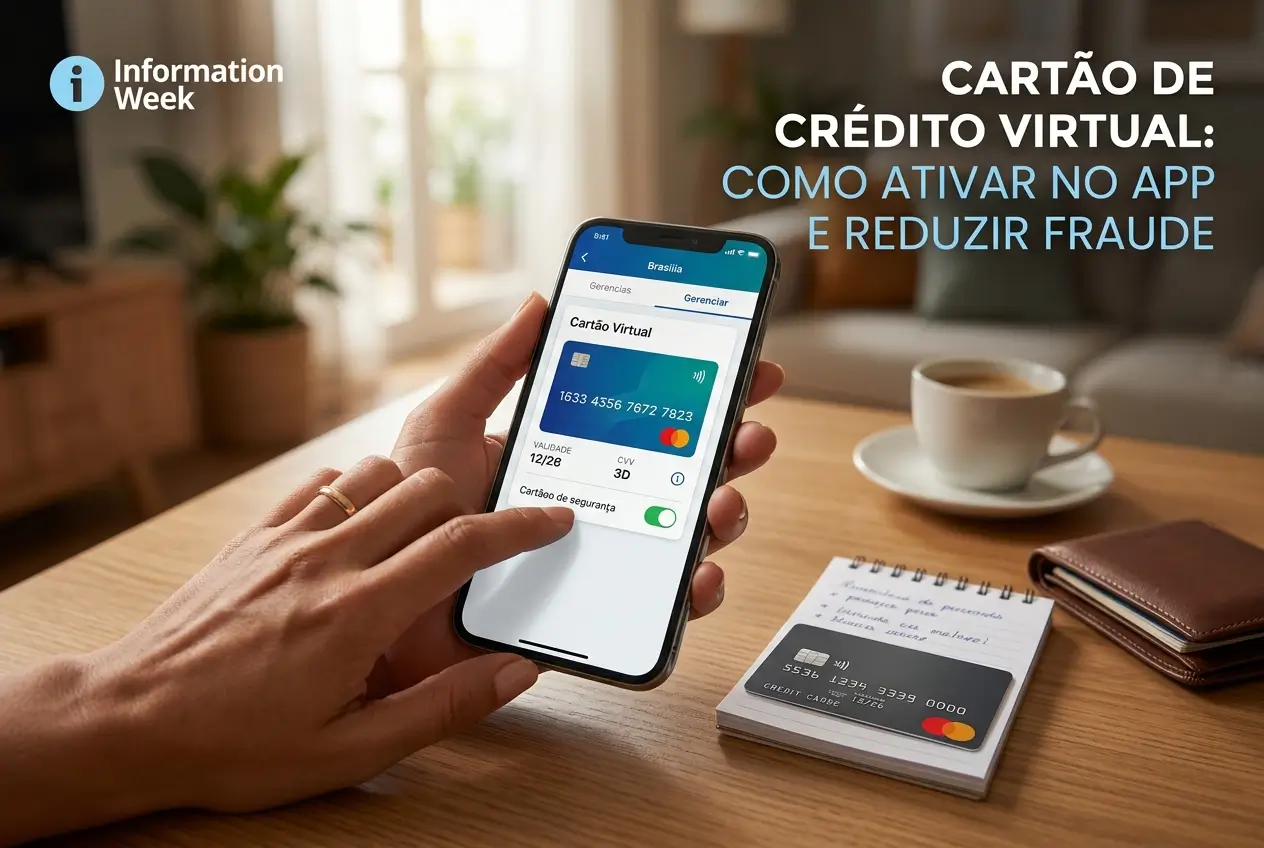
The virtual credit card is your main weapon against fraud in online purchases.It creates a temporary number to protect your real data.
In this guide, we will show you step by step to activate yours in the bank app. You will learn when to use and how to protect yourself from scams.
What is a virtual credit card and why do you need one?
Think of the virtual card as a “disguise” for your physical card.It is a card number, with expiration date and security code (CVV), that only exists in the digital world.
The big advantage is security.If virtual card data leaks on a website, your main card continues 100% protected. No one can access your total limit.
It is generated directly in your bank's application at no additional cost. Most banks and fintechs already offer this functionality for free.
Temporary or recurring card: what is the difference?
There are two main types of virtual card, and understanding the difference is critical to using each one in the right way.
- Temporary Virtual Card: Ideal for a single purchase.It expires soon after use, usually in 24 or 48 hours. Perfect for sites you do not know well.
- Recurring Virtual Card: Made for repeat payments, such as streaming subscriptions (Netflix, Spotify) or transport apps (Uber).
The temporary offers the maximum security for one-off purchases. Already the recurring brings practicality to services that you use every month.
How to activate your virtual card in the bank application: step by step
Activating your virtual card is a quick process and done entirely by mobile. Although the names change a little, the path is similar in all apps.
- Open the app of your bank: Log in with your password, biometrics, or facial recognition.
- Look for the cards section: Usually, there is a menu called “” cards, “My” cards or something similar.
- Find the option “Virtual” card: Within the card area, look for “Generate Virtual Card”, “Online Card” or “Digital Card”.
- Choose type: The app will ask you if you want a temporary (for a purchase) or recurring (for subscriptions) card.
- Validate operation: For security, the bank will ask for your card password or some security token to confirm the creation.
- Ready! Copy the data: The number, validity and CVV of your virtual card will appear on the screen for you to copy and paste on the purchase website.
Gold tip: Never print the data from your virtual card. Use the “copy and paste” function that the apps themselves offer.
When to use the virtual credit card?The best situations
The rule is simple: if the purchase is not face-to-face, with the physical card on the machine, the ideal is to use the virtual. It was made for the online environment.
See the most common situations where the virtual card is the smartest and safest choice for your pocket.
- Shopping on new sites: Will you buy for the first time in an online store? Use the temporary card. If the site is not reliable, the risk is zero.
- Monthly subscriptions and services: For Netflix, Spotify, iFood or Uber, use the recurring card. If you need to cancel, just delete the virtual card, without bureaucracy.
- Registration in apps and services: Many apps ask for a card for free trial.Register the virtual.This avoids undue charges after the trial period.
- Payments by social networks: Have you seen an ad on Instagram or Facebook? Always use the temporary virtual card to finalize the purchase.
Even in stores you trust, using the virtual card is an extra layer of protection. Data leaks can happen in any company.
How the virtual card prevents fraud in practice
The magic of the virtual card lies in its ability to isolate risks.It acts as a shield between your money and potential criminals on the internet.
The main defense mechanism is the Dynamic CVV. On many virtual cards, especially temporary ones, the 3-digit security code changes with each use.
Even if a scammer gets your virtual card number, they will not have the valid CVV for the next purchase.
Also, if the virtual card is cloned, you can simply lock or delete it in the app in seconds.Your physical card and your main limit remain intact.
Practical tips for managing your virtual cards
Using the virtual card is easy, but some habits can further increase your security and financial organization.
First, make a habit of always generate a new temporary card for every online purchase.Don't be lazy, this process takes less than a minute.
For the recurring card, used in subscriptions, it is worth naming it in the bank app, if there is this option. Example: “Spify” card or “Netflix” card.
This helps you quickly identify on the bill which service is being charged on that card. If you see something strange, you know exactly which card to block.
Another important tip: some banks allow you to define a specific spending limit for the virtual card. Use this function to better control your expenses.
Security alert: essential care and common scams
Although safe, the virtual card is not proof of everything. Scammers are always creating new ways to deceive people.
Attention: Banks NEVER call or send links by WhatsApp, SMS or email asking you to confirm or generate data from a virtual card.
Never share your virtual card data with anyone.The only person who can use it is you, at the time of purchase, on a trusted website or app.
Be wary of too good offers. Prices far below the market can be a bait for you to enter your card details on a fake page.
Always check that the purchase website has a security padlock next to the address (HTTPS). This does not guarantee everything, but it is a basic security requirement.
What to do if a virtual card purchase is denied?
Sometimes a transaction can be denied. Do not despair. Most of the time, the solution is simple and quick to solve directly by your mobile.
First, check the most common reason: the card has expired. Temporary cards have short life. If it took to finalize the purchase, it may be necessary to generate a new one.
Also check if you have entered any wrong data. A number, expiration date or incorrect CVV will make the purchase be refused immediately.
Another point is the credit limit. The purchase with the virtual card consumes the same limit as your physical card. See if you have available balance.
If everything is right and the purchase is still denied, contact the bank through the app chat.
Adopting the virtual card is a simple step towards a safer digital financial life. Open your app now and explore this function.
Maybe you might like: