Announcements
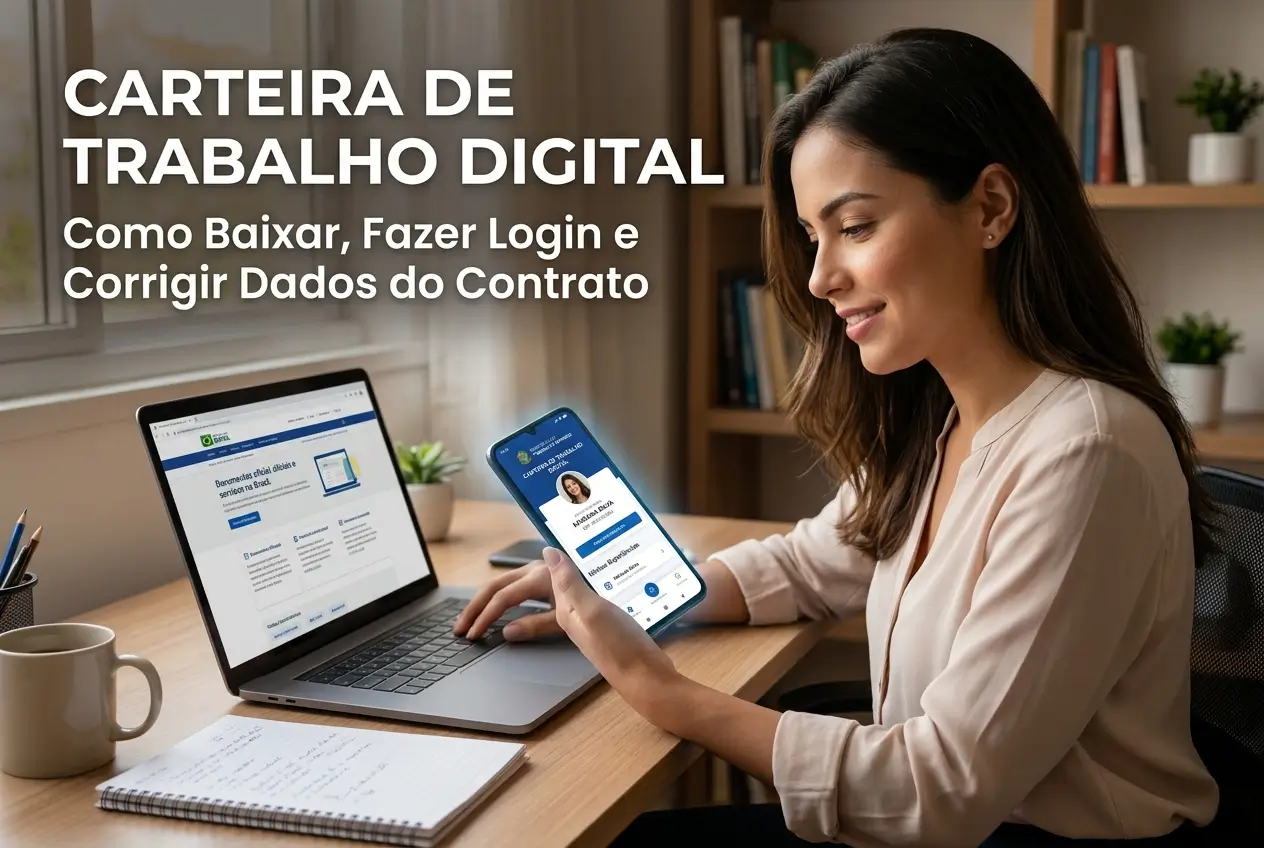
Your Work Card is now digital and is on your mobile phone. This document is essential to register your professional life and guarantee rights.
Forgot your password or saw an error in your contract?So calm, have solution. This practical guide shows you how to download, access and correct information in your Digital CTPS.
We will solve everything quickly and safely, straight from your smartphone. Enough bureaucracy.The control of your working life is in the palm of your hand.
What is Digital Workbook?
The Digital Workbook is the electronic version of the physical document.It replaces the old paper wallet for all new employment contracts.
Since 2019, all information about their formal jobs is recorded electronically.The system is powered by companies through eSocial.
This means that when you are hired, you no longer need to present the physical document. Just inform your CPF. The company makes the registration online.
Advantages of having the document on mobile
Having CTPS Digital on your smartphone brings much more agility and security to your professional life. Everything is easier to check and access.
The main advantages include:
- Quick access: Consult your contracts, vacations and salaries anytime and anywhere.
- Safety: Lower risk of loss, erasure or fraud.Your data is protected in the government system.
- Less bureaucracy: You no longer need the physical document to be hired in most cases.
- Full history: All your work records are unified in one place.
- Guaranteed rights: Facilitates the application for unemployment insurance and other labor benefits.
How to Download Digital Work Card
The official app is available for free for Android and iPhone (iOS) phones. The installation process is very simple and fast.
Follow these steps to have the document on your device:
- Access the app store: Open the Google Play Store (Android) or the App Store (iPhone).
- Search for the official app: In the search bar, type “Digital Workbook”.
- Check developer: The correct application is offered by Gov.br or Government of Brazil. Beware of imitations.
- Install the app: Tap the “Install” or “Obter” button and wait for the download to complete.
- Open app: After installation, the CTPS Digital icon will appear on your home screen.
Important tip: Be wary of any application that covers to be downloaded.The Digital Workbook is a 100% free government service.
Step by step to make the first login
To access your digital wallet, you will need an account on the portal Gov.br. This is the same password used for other government services.
If you already have a Gov.br account, the process is straightforward. Otherwise, you will need to create one before continuing.
Here's how to make your first access to the application:
- Open the app: Tap the Digital Workbook icon on your phone.
- Click on“Entrar”: The app will direct you to the login screen of Gov.br.
- Enter your CPF: Enter your CPF number and click “Continue”.
- Enter your password: Enter the same password you use for other government services, such as the “My INSS” app.
- Authorize the use of data: The first time, the system will ask for your authorization to use your personal data. Read and click on “Authorize”.
Ready! After these steps, you will already have access to all your employment contracts, personal data and other important information about your career.
I found an error in my contract. What now?
It is common to find outdated or incorrect data, such as an old salary or the lack of a job exit date you cannot correct it yourself.
The responsibility for the correction is always the company that made the registration. The information that appears in the app is a mirror of what was reported in eSocial.
The first step is to contact the HR of the company (current or old) where the error happened. Ask them to rectify the data in eSocial.
Explain the error clearly.If it is about a current contract, the company has an obligation to correct.For old contracts, the process may be a little slower.
After the company makes the correction, the information takes some time to update in your application. Check again in a few days.
What information do I find in the app?
The CTPS Digital app is a central information center about your professional life.It is a complete and reliable history, always at hand when you need it.
There you will find important details about each employment link.The main sections are:
- Personal Data: Your full name, CPF, date of birth and mother's name.
- Work Contracts: List of all your formal jobs, with company name, CNPJ, date of admission and position.
- Contract Details: By clicking on each link, you see the hiring salary, occupation, and change history.
- Vacation and Allowance: Holiday records and information on the Salary Allowance (PIS).
- Benefits: Quick access to apply for benefits such as unemployment insurance, where applicable.
Is the paper wallet still worth it? Should I throw it away?
This is a very common question.The answer is clear: do not throw away your physical work card. It is still a very important document.
The paper version serves as proof for the older employment contracts, those that were signed before the creation of the digital system.
These old records can be essential when applying for your retirement or proving time of service in INSS.
Attention: The physical portfolio remains the only valid proof for contracts prior to September 2019. Take good care of it!
Beware of scams and fake apps
Whenever a government service becomes popular, scammers try to take advantage of it. With the Digital Workbook is no different.
The main risk is to download a fake application that steals your data. Remember that the official app is developed by the Government of Brazil (Gov.br).
Never click on suspicious links received by WhatsApp or SMS promising to correct your data or release benefits. Always access the official app.
Your Gov.br password is personal and non-transferable.Do not share with anyone. It gives access to several important services of the federal government.
Official service channels
If the company has not corrected your data or if you have other questions, there are official channels to seek help.Do not try to resolve by unofficial means.
The main form of contact is through the contact form of the Ministry of Labor. It can be accessed within the application itself or on the government website.
You can also call the Central Hello Work, on the number 158. The call is free of charge from any landline in Brazil. The service works on business days.
Keeping your Digital Workbook up to date is critical to securing your rights.Check your data today, and if you need to, you already know what to do.
Maybe you might like: