Announcements
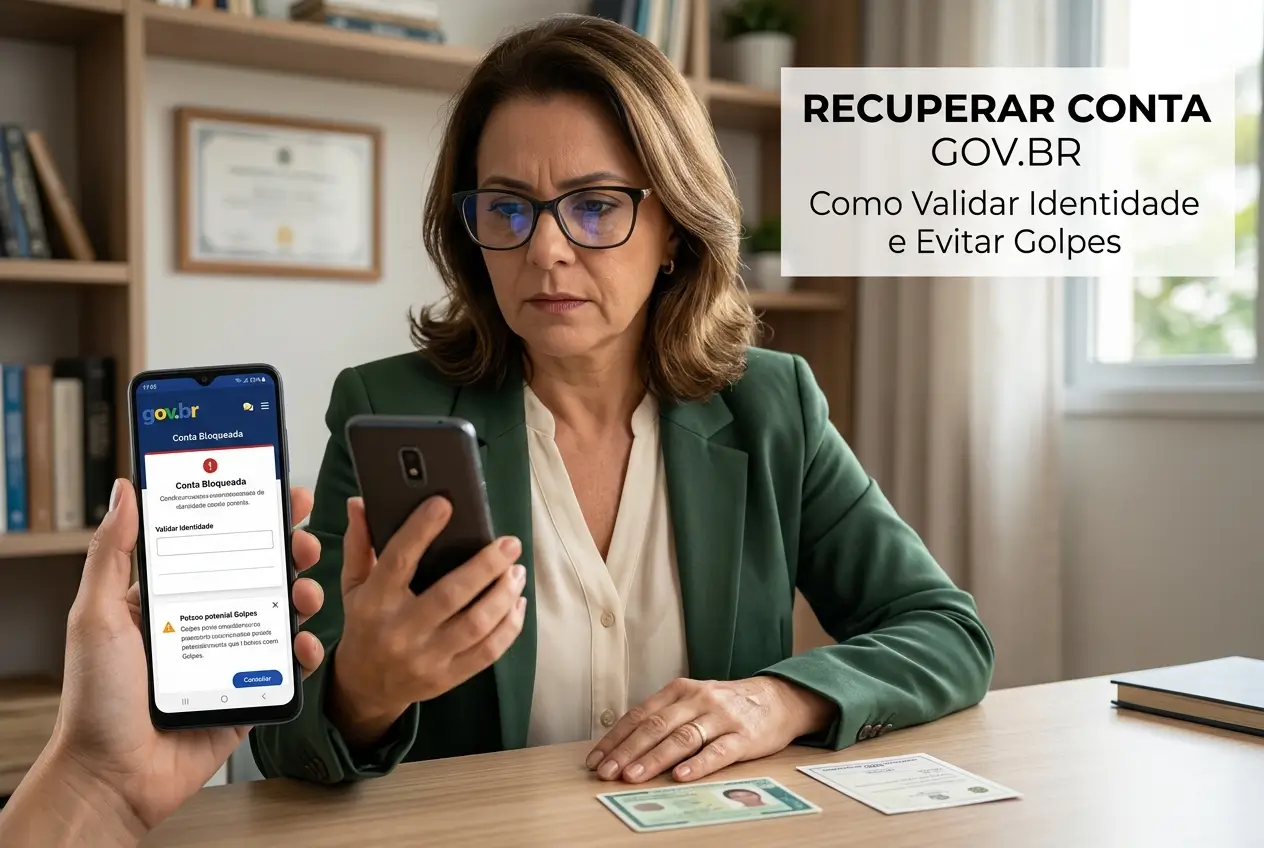
Your Gov.br account has been blocked and you do not know what to do? Calm down, this situation is common and has solution. This is your complete guide to solving the problem.
Here, you will learn step by step to regain your access securely.We will also show you how to validate your identity to avoid further blockages.
Let's get to the point, no curl.The goal is for you to regain control of your account and be able to access all digital utilities without a headache.
Why was my Gov.br account blocked?
The Gov.br account lock usually happens for security.It is not a reason for panic, but requires your immediate attention to resolve the pending.
Understanding the reason helps prevent the problem from recurring in the future.Most of the time, the system is just protecting your personal data.
The most common reasons for a blockage include:
- Many password attempts: Entering the wrong password several times in a row is the main reason.The system blocks access for suspected fraud.
- Suspicious activity: Access from very different locations or devices in a short period can trigger security alarms.
- Outdated data: Old contact information, such as email or phone, can prevent verification and lead to a preventative lock.
- Validation problems: Failures when attempting to raise the account level (from Bronze to Silver or Gold) can also cause a temporary lock.
First steps: how to start account recovery
The recovery process is done directly on the website or application Gov.br. The platform offers different ways for you to prove that you are the owner of the account.
Follow these steps carefully. Choose the option that is easiest for you, based on the data you have registered and updated on the platform.
- Access Gov.br: Open the application or enter the official website and click on “Enter with gov.br”.
- Inform your CPF: Enter your CPF and click on “Continue”. Then click on the option “I forgot my password”.
- Choose recovery method: The system will present the options available for your registration.
The most common options for recovering the password are:
- Facial recognition: Use the camera of the mobile phone to validate your identity with the biometrics registered in the Elector Title or in the CNH.
- Accredited banks: If you have an account with one of the partner banks, you can use your bank login to create a new password.
- E-mail: A security code will be sent to your registered email.
- Cell phone (SMS): A code will be sent by text message to your phone number.
Important tip: The recovery options by email and SMS only work if your data is up to date. If you have changed numbers, you will have to use another way.
Identity validation: the secret to unlocking everything
Many locks happen because the account has a low security level (Bronze) Silver or Gold solves most problems.
Think of the levels as keys. The Bronze key opens few doors. The Silver and Gold keys open almost all, as they offer more security to the system.
To increase the level of your account, you need to perform stronger validation of your identity. This proves to the system that you are really you.
- Silver Level: It can be obtained with facial validation by CNH, with data from SIGEPE (for public servers) or by logging in by an accredited bank.
- Gold Level: You get this level by doing facial validation with the Electoral Justice (TSE) data or with a Digital Certificate.
Silver or Gold level accounts are less likely to be blocked and give access to more sensitive services, such as the pre-filled Income Tax statement.
Facial recognition didn't work? See alternatives
We know, facial validation can be frustrating. A bad light, an accessory or a wrong angle can make the system not recognize you.
If you are struggling, do not give up. Try these practical tips before you go for other options.Often, a small adjustment resolves.
- Enlightened environment: Do the validation in a place with good light, preferably natural light. Avoid shadows on the face.
- Neutral background: Stand in front of a single-colored wall, with no frames or many objects behind you.
- Without accessories: Remove glasses, cap, hat, or anything that covers part of your face.
- Clean camera: Make sure the front camera lens of your phone is clean and without finger marks.
- Follow instructions: Center your face well in the indicated circle and follow the commands to blink or smile if the app asks.
If it still does not work, you can try to regain access using accredited banks or, ultimately, seeking face-to-face help.
Gov.br and accredited banks: a safe shortcut
Using your bank login is one of the fastest and safest ways to regain access and increase your account level to Silver.
This works because the bank has already done a rigorous verification of your identity when you opened the account.Gov.br relies on this validation.
The process is simple:
- On the recovery or level-up screen, choose the option “Login with his bank”.
- Select your bank from the list of accredited institutions.
- You will be redirected to your bank login page. Log in to your account as usual (with agency, account and password).
- After logging in, the bank will authorize Gov.br to confirm your identity, and you can create a new password.
Major banks such as Banco do Brasil, Caixa, Sicoob, Bradesco, Santander, Itau, and others, are on the list of partners.
I do not have CNH or bank account: what to do?
If you do not have CNH or account in one of the partner banks, the path may be a little different, but there are still solutions for your case.
The main alternative is validation with the biometrics of the Electoral Justice (TSE). If you have already made the biometric registration to vote, your data is there.
Try facial validation again, as it can use the TSE database to recognize you. If it fails, you will have to seek face-to-face help.
In this case, the recommendation is to seek an agency of the INSS. Even if you are not retired, they have posts with trained attendants to help with Gov.br.
Attention: Before going to an agency, check if you need to schedule the service. Bring your CPF and a photo identification document.
Beware of scams: how to protect your Gov.br account
Where there is important data, there are scammers watching. Protecting your Gov.br account is as crucial as protecting your bank account.
Criminals create fake websites and send fraudulent messages to steal your access information.Prevention is your best defense.
Follow these safety rules to avoid falling into traps:
- Access only the official website: The correct address is gov.br. Be wary of any link other than this, even if it looks similar.
- Do not click on suspicious links: The government does not send recovery links via SMS, WhatsApp or email without you having requested it.
- Never share passwords or codes: Official attendants will never ask for your password.Recovery codes are secret and should only be entered on the official website.
- Enable two-step verification: In your account's security menu, enable this extra layer of protection.It is the most effective way to prevent intrusions.
- Use strong passwords: Create long passwords with letters, numbers, and symbols. Avoid using birth dates or obvious sequences.
Official channels for difficult cases
If you have tried all the alternatives and still failed to recover your account, the next step is to contact the official service channels.
The main tool for this is the service form of Gov.br itself.Be detailed when describing your problem to receive the correct help.
To access, look for the section of “Doubts” or “Atendimento” on the site Gov.br. There you will find the form “Fale with us”.
Be patient, because the response may not be immediate. Save the protocol number of your service to follow the progress of your request.
Recovering access to Gov.br is fundamental to your digital citizenship. Follow the steps calmly and always use the official channels to ensure your safety.
Maybe you might like: