Announcements
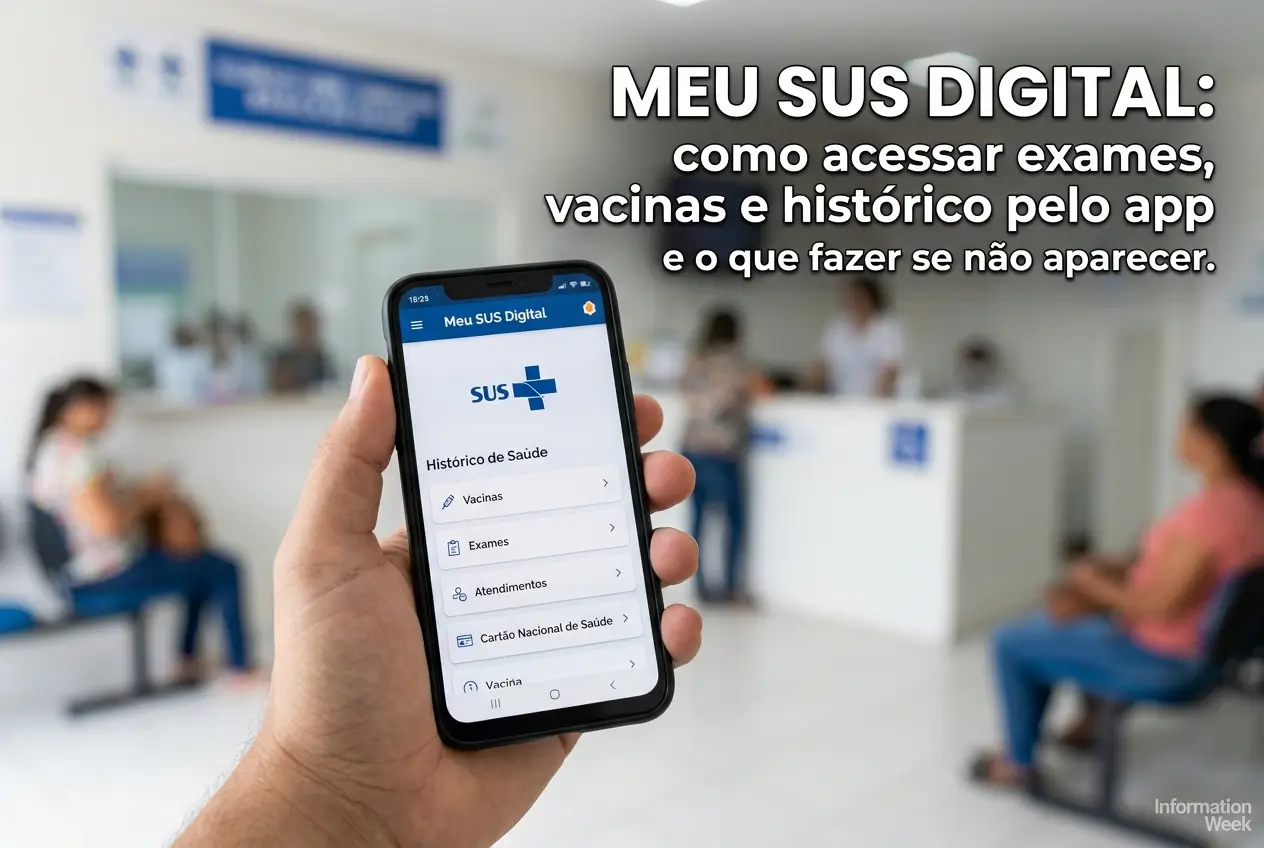
Want to have your health history in the palm of your hand? The app My SUS Digital it is the gateway to your exams, vaccinations and consultations.
It replaced the old ConnectESUS and centralizes all your information from the Unified Health System (SUS) in one place, free and secure.
In this guide, we will show you the complete step-by-step way to access your data and what to do if any information, such as an exam, is not showing up.
What is and what is My Digital SUS for?
My SUS Digital is the official application of the Ministry of Health. It works as a digital health wallet for all Brazilians.
Its main function is to organize and present its history of care performed in the public health network. This saves time and prevents headaches.
With it, you no longer need to save papers or try to remember the date of that important vaccine. All information is recorded in your CPF.
Think of it as a personal medical file, which can be accessed at any time by mobile.
How to make the first access in the application
Accessing My Digital SUS is simpler than it sounds. The secret is to use your account Gov.br, the same used for other government services.
If you do not have a Gov.br account yet, you will need to create one first. It is a quick and essential registration to access dozens of public services.
- Download app: Search for “My SUS Digital” in your mobile app store (Google Play for Android or App Store for iPhone).
- Open the app: On the home screen, click the “Enter with Gov.br” button.
- Login: Enter your CPF and the password of your Gov.br account.
- Authorize use: The application will ask for authorization to use your data. Read the terms and click on “Authorize”.
Ready! After these steps, you will already be on the main screen of the application, with access to all your health data registered in the system.
Step by step to see tests and vaccinations
Finding your information within the app is intuitive.The home screen already shows you the main shortcuts to make your life easier.
Here's how to check each type of record quickly and directly.
Checking your vaccination history
Keeping the vaccination card up to date is essential. In My Digital SUS, you can check all the doses you have already taken in the public network.
- On the app home screen, locate and tap the “Vaccines” icon.
- A list of all vaccines registered in your CPF will be displayed.
- Tap each to see details such as the name of the vaccine, the date of application, the batch, and the health facility where it was applied.
This includes the Covid-19 vaccine, yellow fever, influenza and all others from the National Vaccination Calendar that you have received by SUS.
Accessing exam results
Results of laboratory and imaging tests done in the public network or in affiliated laboratories are also available in the app.
- From the main menu, choose the option “Exames”.
- The app will show you a list of the exams taken, usually the most recent ones first.
- You can see the result or even download the report in PDF format, depending on the laboratory.
Exam does not appear in the app? See the reasons and what to do
It is a common situation: you took the exam, but it does not appear in My Digital SUS. This can happen for some reasons, but it almost always has a solution.
The problem is rarely in the application. Most of the time, the question is in how the data was recorded (or not) by the health unit.
- Lack of registration: The main reason is that the health unit or the laboratory did not send the information to the National Health Data Network (RNDS).
- Typing error: An error in your name, CPF or date of birth during registration on the day of the exam may prevent the correct association of data.
- Delay in update: Sometimes there is a delay between the examination and the sending of the data to the national system.
What to do to solve
If your information is not appearing, the way is to look for the source of the problem. The Ministry of Health guides you to follow these steps:
- Seek the health unit: Go back to the place where you had the test or the vaccine. Ask the administration to verify that the data was sent correctly to the system.
- Check your registration data: Confirm that your full name, CPF and date of birth are correct in the health unit registration.
- Request retroactive registration: If the information has not been sent, request that the unit make the registration. They have the obligation to feed the system.
Important tip: Take your personal documents and proof of care (if you have) when you go to the health unit to expedite the process.
How to issue the Covid-19 Vaccination Certificate
The vaccination certificate against Covid-19 may still be required in some situations, such as international travel.
Inside the app, in the section “Vacinas”, you will find a specific button to issue the certificate. It generates an official PDF document, with QR Code.
This document is valid throughout the national territory and in many other countries.You can save it on mobile or print if you prefer.
Other important functions of My SUS Digital
The application goes far beyond exams and vaccines. It offers a number of other features that can greatly facilitate your day to day.
Exploring these tools can help you better manage your health and your care in the public network.
- Medications: Consult the medicines you have withdrawn by the Popular Pharmacy program.
- Consultations: View the history of appointments and schedules in Primary Care.
- Internments: Access the registry of hospitalizations performed by SUS.
- Organ donation: Record your willingness to be an organ and tissue donor.
- National Health Card: Get access to the digital version of your SUS card.
The security of your data in the application
A common question is about the security of health information. Access via Gov.br guarantees a high level of protection for your data.
The platform follows the rules of the General Data Protection Law (LGPD). This means that your information is confidential and protected.
Alert: Never share your Gov.br password with anyone.The Ministry of Health does not ask for passwords by phone, WhatsApp or email.
To increase security, enable two-step verification on your Gov.br account.This creates an extra barrier against unauthorized access.
With My Digital SUS, you gain autonomy to take care of your health. Keep the application updated and use this tool to your advantage.
Maybe you might like: